
Frequently Asked Questions
How do I reset my password?
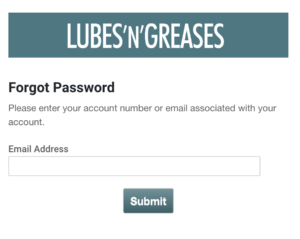
- Click here to access the Forgot Password form.
- Enter the email address that is on your account in the Email Address field. Click submit.
- You will receive an email with a temporary password and a link to change your password to your new permanent one.
- The Change Password form may or may not be pre-populated by your browser. Enter your email address in the Email Address field.
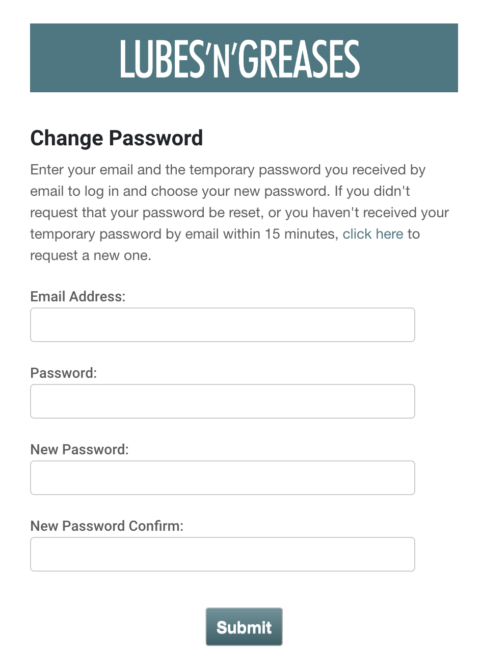
- Enter the temporary password you received in the Password field.
- Enter your new permanent password in the New Password and New Password Confirm fields.
- After clicking submit, you will be directed to a thank you page.
- Navigate to LubesnGreases.com and click Login at the top of the page. At the Login form, enter your email address and new permanent password. You can now access your content.
